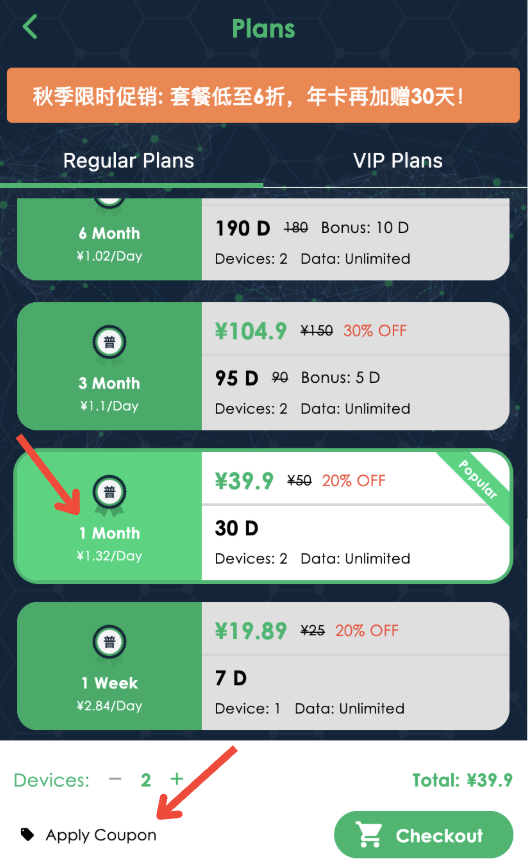
How to use coupon in AHAspeed:
1. Download AHAspeed
Go to the official website or app store to download and install AHAspeed. Download Link:https://r.aha666.com
2. Register and Login
Open the app, create a new account, or log in with your existing one.
3. Go to Store Page
After logging in, tap “Buy Plan” on the home screen to enter the store.
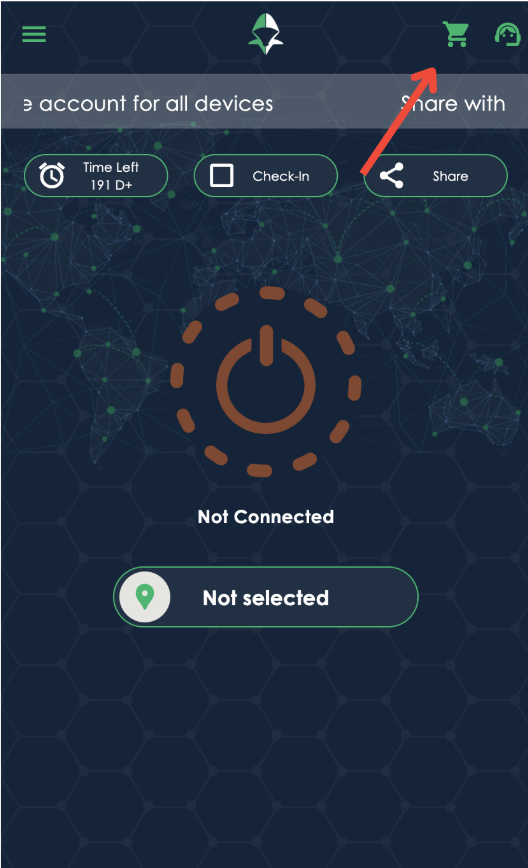
4. Use a Coupon
At the bottom of the screen, tap “Apply Coupon”, enter your coupon code, and confirm to enjoy your discount.